

533.276
+8.01%


TODAY'S
533.276
+8.01%
198.86
+4.79%
0.125
+4.69%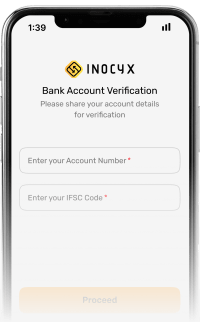
STEP - 3
Link your bank for seamless transactions. Deposit and withdraw instantly.
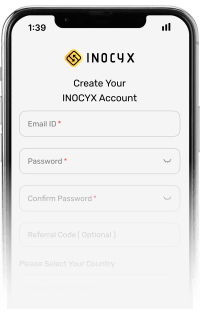
STEP - 1
Create Your Account By Entering Your Email And Phone Number.
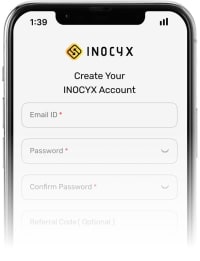
STEP - 2
Verify your identity securely. Unlock full access and features.
STEP - 3
Link your bank for seamless transactions. Deposit and withdraw instantly.
STEP - 1
Create Your Account By Entering Your Email And Phone Number.


 Scan QR Code
 Fiu-registered With 2fa And Cold Wallets, Ensuring Top Security Through Encryption, Real-time Monitoring, And Fraud Prevention.
Enjoy Instant Deposits And Withdrawals With Lightning-fast Processing For Seamless Trading.
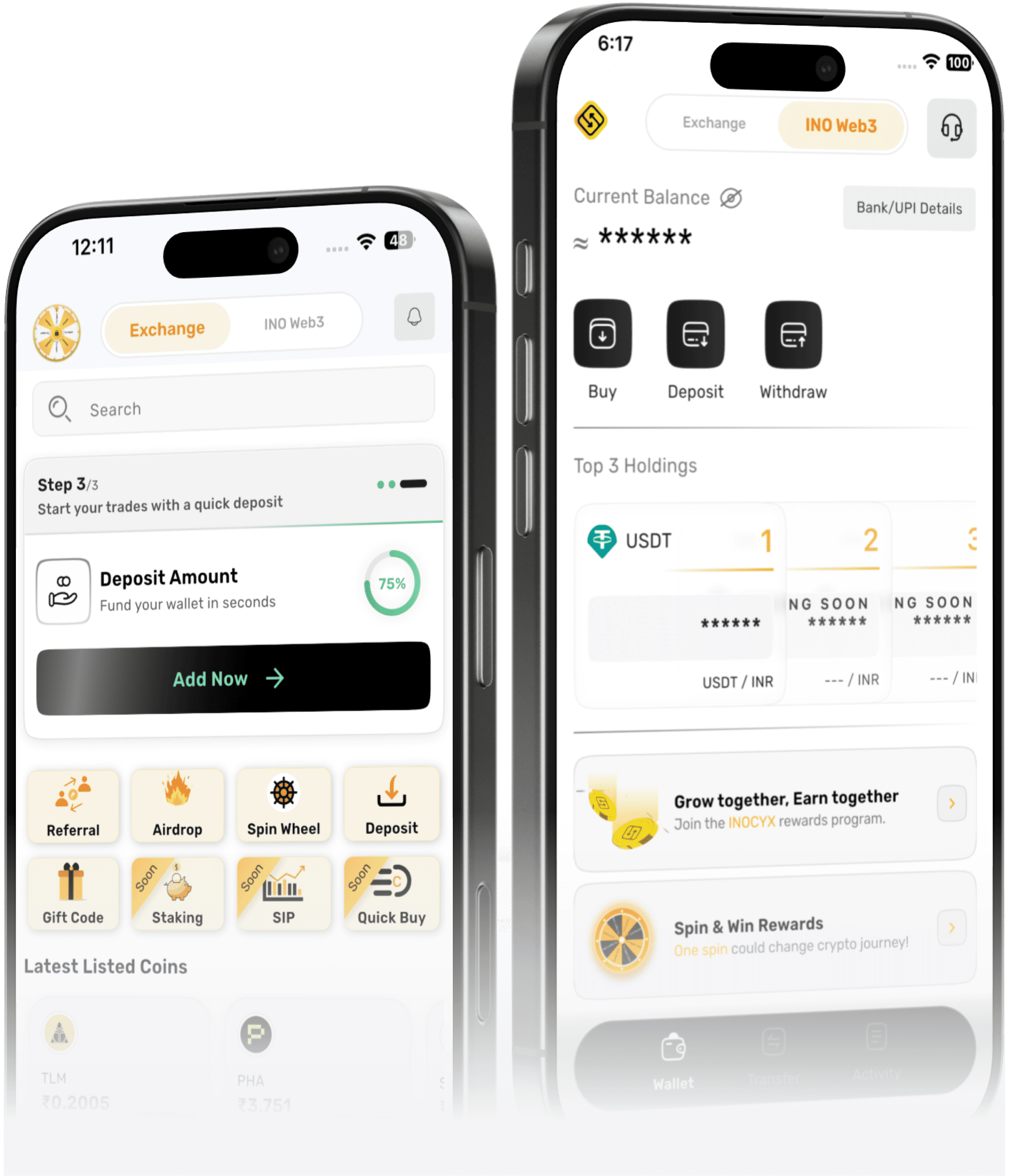
Experience A Sleek, Intuitive Trading Dashboard Designed For Effortless Navigation And Smooth Transactions.
Get Round-the-clock Support Via Live Chat And Email For Instant Assistance Anytime.
Navigate Seamlessly With A Clean, Intuitive Trading Dashboard Designed For Effortless Use.
Access Real-time Charts, Analytics, And Insights To Make Informed Trading Decisions Effortlessly.
To complete your KYC process on Inocyx, log into your account, access the KYC section, and upload a valid government-issued ID, a clear selfie, and a recent address proof. Make sure your documents are not expired and the images are sharp. Once submitted, our system will process and review your documents securely. You’ll receive a notification on your registered email once the verification is completed or if corrections are needed.
KYC verification on Inocyx generally takes 1 to 3 business days after submission of proper documents. For institutional KYB, it may take up to 5 working days depending on the accuracy and completeness of your files. Delays may occur if additional reviews are required. You will be notified by email or via your dashboard as soon as your verification status is updated.
Crypto withdrawals always get processed within 30-60 mins. If the withdrawal is not processed instantly then it is retried after some time.
In case it is not processed it will get rejected after some time.
Go to Main wallet page
Click the 'Receive' button next to the cryptocurrency you want to deposit
You can either scan the QR or paste the address in the source wallet/exchange you're
withdrawing from
For crypto like USDT, you'll have to select the network like ERC20, TRC20 and BEP20 which matches with the wallet/exchange you're withdrawing From
Step 1: Open INOCYX app.
Step 2: Go to Profile Section
Step 3: Click to Open Account Security Section
Step 4: Click to Open Account Deletion section
Step 5: Kindly read all the points carefully in Account Deletion section
Step 6: Click the Check box to agree the deletion of your account
Step 7: Click on "Delete My Account" button to finish the deletion process
 FIU
FIU  S.T.P.I
  ISO & IEC Certified
 1Lakh+
  100+
100+